


Do you remember when the browsers were simple? You would enter some URL, press enter and hope that your dial-up connection would work. Those innocent days are over. The current browsers do not only retrieve the web pages, but also read them, summarize them and at times appear smarter than you after the third cup of coffee. This is the era of AI browsers. These are five browsers who have finally learned to think on their own.
1. Microsoft Edge
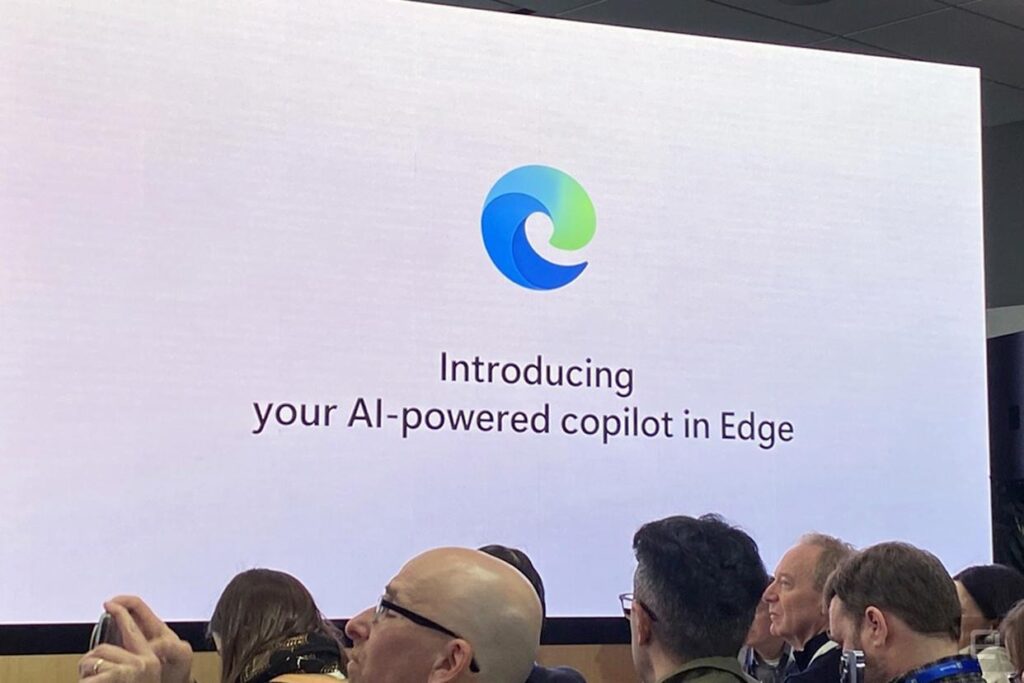
Microsoft Edge is the best performing of the new generation of smart browsers. Edge does not just show the page as its competitors do, it reads it. One can summon it to condense an article, write a note, or do little chores without ever going out of the window. Having its solid connection with Windows and the Office family, and with its high barriers of protection, it equally benefits the worker at his desk, the student at his study, and the casual reader. Edge is the best choice of those who want their browser to think with them.
Key features
- A built-in Copilot assistant that talks, summarises, and writes directly in the browser.
- An excellent decision to make when one wants a smart tool with a familiar base.
2. Opera AI Browser
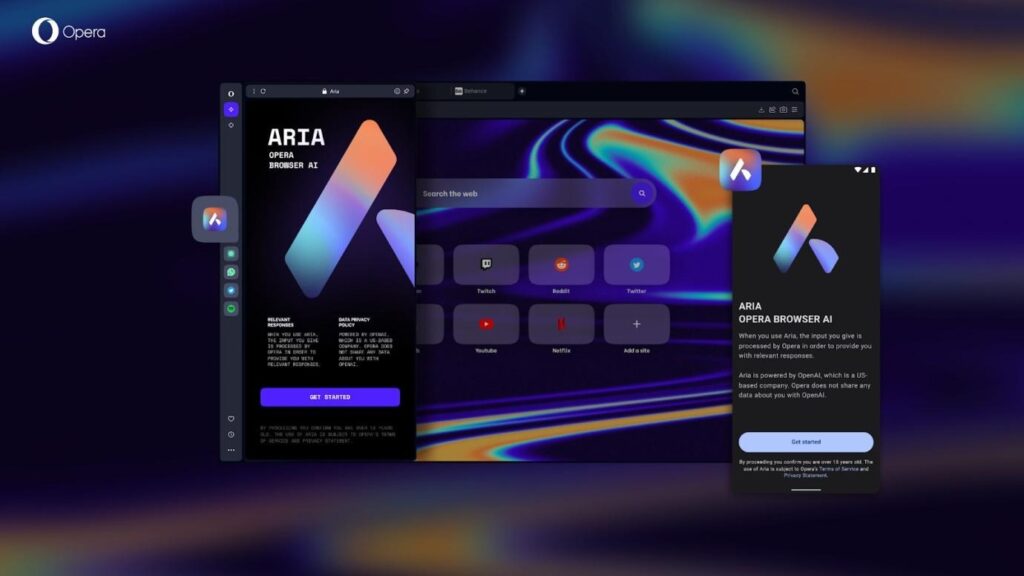
The process of browsing itself has already started to be redefined by Opera AI, with the help of an intelligent companion, Aria. This assistant is not only a fetcher of information, but it understands it, provides clear summaries, advanced searches, and rapid automation of minor, tedious tasks.
Key features
- Where older browsers require the full attention of the user, Opera enables users to navigate between pages, call insights, and arrange their work in a relaxed and efficient manner.
- To the student, the professional, or the creator of new things, Opera AI is not like Chrome, Edge, and others, but a browser created to not just display the web, but comprehend it.
3. Brave Leo AI
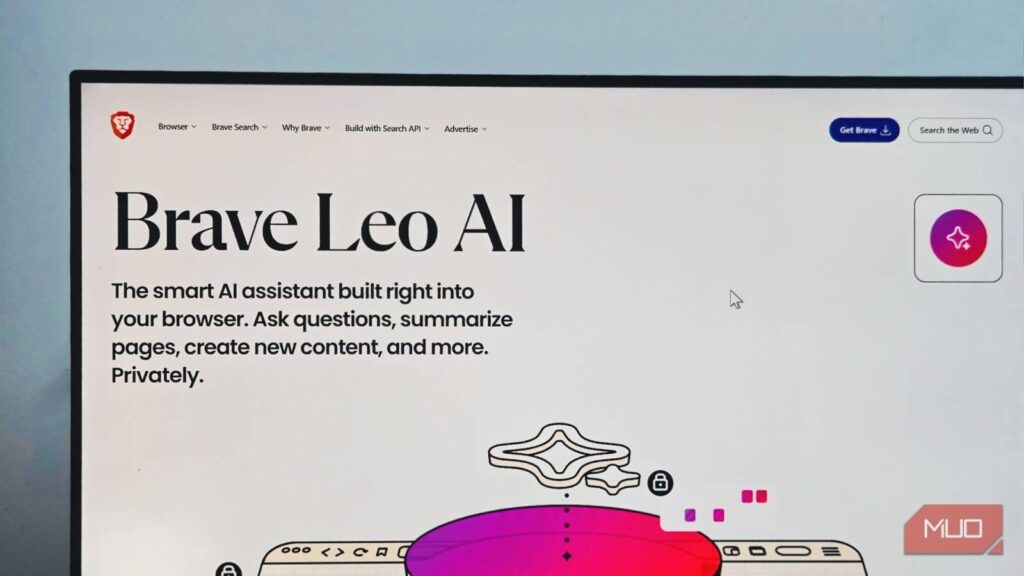
Brave has long stood for private, unmonitored browsing, and its assistant, Leo AI, upholds that same ideal. Condenses web pages, videos, and documents within the browser itself. It functions without recording or transmitting your personal data. It manages to combine quiet usefulness with the assurance of secrecy.
Key features
- Processes part of its tasks locally for stronger privacy.
- For those who guard their information closely, Brave Leo offers intelligent help without compromise.
4. Comet
Comet Browser is a more modern form of web intelligence – a tool that is not only designed to search, but to think. Where the older browsers can only give the road, Comet can give direction: it summarises, interprets and organises work in a flash. To the worker who is hard pressed, to the student who is studying, or to the researcher who is following a train of thought, it makes disjointed information coherent knowledge. Comet is a tool that is made to suit the era of intelligent labour, and it has a competitive edge over Chrome, Edge, and Opera in its balance of speed and insight.
Key features
- Designed with AI search and automation, which is capable of filtering information, handling tasks, and going way beyond the capabilities of regular browsers.
- It is based on the Chromium platform, which provides a good compatibility with common extensions.
5. Google Chrome
Google Chrome, which has been the most recognizable entrance to the web, has now started to think on its own. The introduction of Google intelligence, Gemini, brings speed and stability into the mix with a new dimension of knowledge. The user can search, get suggestions or even call on silent productivity tools all without stepping out of the comfort of a familiar design. It is not just as powerful as its speed or as safe, but as expansive as its extensions and how it introduces AI into everyday life. To individuals who appreciate consistency but are open to smartness, Chrome is a friend that can be trusted among browsers.
Key features:
- To individuals who appreciate consistency but are open to smartness, Chrome is a friend that can be trusted among browsers.
- Although not designed as an AI browser, the Gemini integration of Chrome provides it with powerful search, analysis, and support features in its frame.
Conclusion
Which digital companion should, therefore, be permanently placed on your taskbar? It is not so much about what you browse but what you appreciate. If you are already married to the Microsoft ecosystem, Edge will be like going home to a spouse who has finally figured out how to assist with the dishes. Privacy lovers will be pleased to see Brave Leo so tight-lipped as a therapist who does not tell secrets.
Opera and Comet are there to satisfy the desires of people who need something fresher than the same old options, and Chrome is the old friend who suddenly became interesting at the party. You are no longer just getting connected to information, whether you are researching, writing, or doom-scrolling with a purpose, with these AI-powered browsers. They help you understand it.
FAQs
Q1: What exactly is an AI browser?
An AI browser does not merely show web pages, it reads, summarizes, and even comprehends web pages. It has an inbuilt assistant that can summarize articles, respond to questions and do the boring stuff without you having to open seventeen tabs.
Q2: Do I need to pay for AI browser features?
The basic intelligent capabilities of the majority of AI browsers are free of charge – Microsoft Edge with Copilot, Opera with Aria, and Brave Leo all can be used without you having to open your wallet. Some have higher levels of service that have advanced features, quicker response, or priority.
Q3: Can AI browsers replace Google search?
They’re certainly trying to. AI browsers provide you with answers in context, as opposed to having to sift through search results like they are panning the gold. Nonetheless, Google search remains a winner in terms of general exploration and finding out unforeseen rabbit holes. Think of your AI browser as your effective research assistant. Both have their place.
Q4: Will my favorite Chrome extensions work on these AI browsers?
Assuming the browser is based on Chromium (as most of them are Edge, Opera, Brave, and Comet), your favorite extensions will be at home. It is as though you were transferring to a new apartment but you are carrying your favorite furniture. Safari is the only one dancing to its own tune but that’s Apple for you. Never commit before checking the compatibility.